Disclosure: This article contains affiliate links. If you purchase through these links, I may earn a commission at no extra cost to you.
Last updated: April 4, 2026
Quick Answer: Stay-at-home moms can use AI tools like ChatGPT, Motion, and Canva AI to automate repetitive tasks, manage household schedules, and even build income-generating skills, all without prior tech experience. Starting with one free tool and building from there is the most effective beginner approach. This guide covers exactly which tools to try first, how to use them, and how to avoid the most common mistakes.
Want to explore AI without the overwhelm?
This free 3-day virtual event teaches simple, actionable ways to use AI to save time and create income opportunities — perfect for busy moms.
Key Takeaways
- ChatGPT is the best starting point for most moms: it handles meal planning, email drafting, homework help, and more, for free.
- Motion automatically reschedules your day when plans change, which is essential for unpredictable family life.
- Canva AI lets you create professional graphics in minutes, even with zero design experience, for as little as $13/month.
- Voicy offers 99% accurate speech-to-text, so you can type hands-free while nursing or managing kids.
- Perplexity gives direct answers with sources, faster than a standard Google search, for parenting and household questions.
- Start with one tool, get comfortable, then add more. Trying five tools at once leads to overwhelm and abandonment.
- AI can support income-building too: freelance writing, Pinterest management, and Canva design are all skills AI can help you learn and execute faster.
- Free versions of most tools are enough to start. Paid upgrades are worth it only once you use the free tier daily.
What Is AI and Why Should Stay-at-Home Moms Care?
AI tools are software programs that understand plain language and help you complete tasks faster, without coding or tech skills. For stay-at-home moms, that means less time on repetitive mental work and more time for what actually matters.
This is the core idea behind How to Use AI as a Stay-at-Home Mom: Beginner’s Guide 2026: you don’t need to become a tech expert. You just need to know which tools solve your specific daily problems.
Here’s what AI can realistically help with right now:
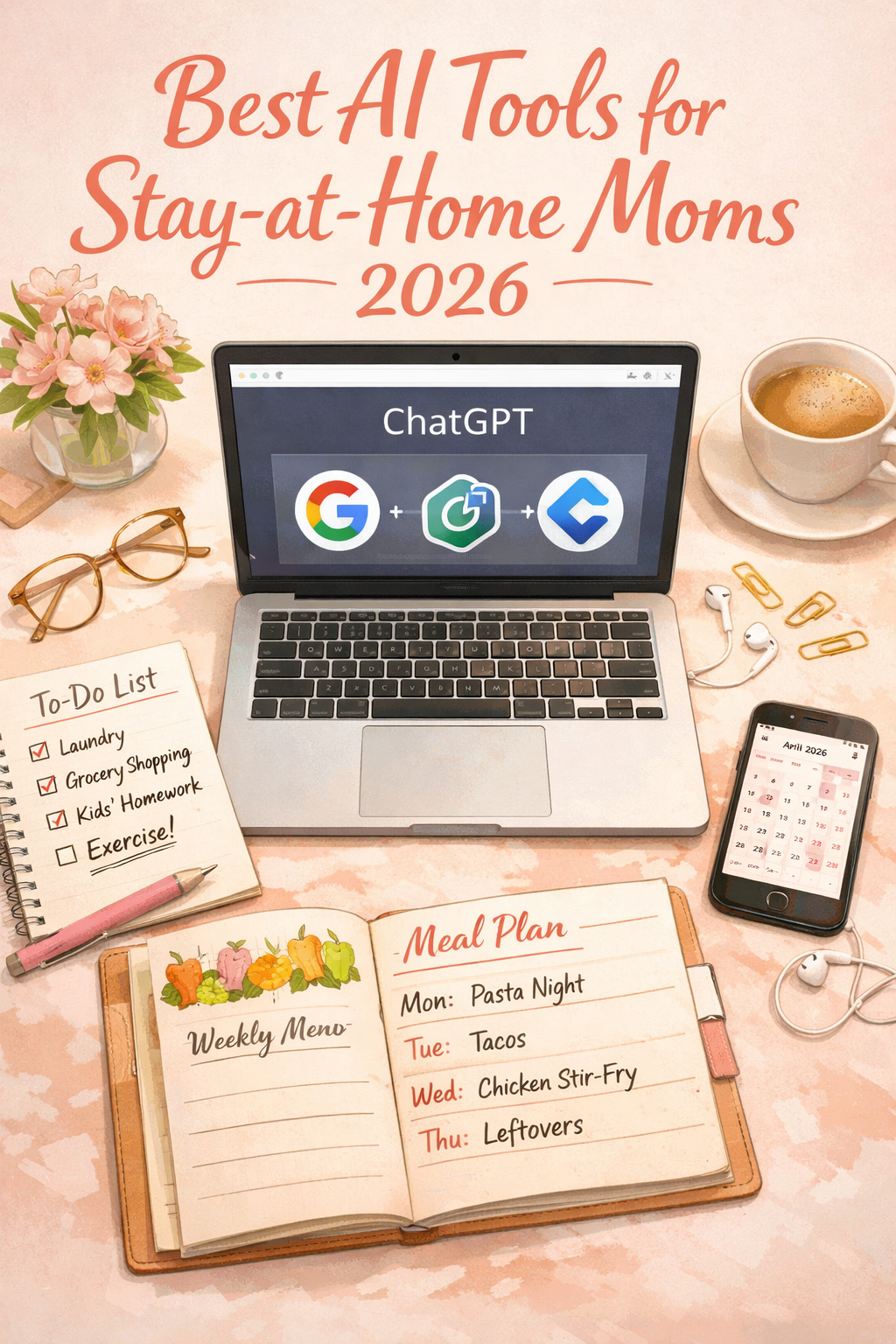
- Writing grocery lists, meal plans, and school emails
- Scheduling and rescheduling a chaotic family calendar
- Answering parenting and health questions with sourced answers
- Creating social media graphics or blog content
- Learning new income skills faster (like freelance writing or digital design)
Common mistake: Thinking AI will “do everything for you.” It won’t. But it will cut the time you spend on mental tasks by a significant margin, giving you real hours back each week.
Which AI Tools Are Best for Stay-at-Home Moms in 2026?
The best AI tools for stay-at-home moms are the ones that solve a real daily problem with minimal setup. Here are the top picks, organized by what they do best.
| Tool | Best For | Cost |
|---|---|---|
| ChatGPT | Everyday questions, writing, meal planning | Free / $20/month |
| Claude | Thoughtful advice, sensitive topics | Free / $20/month |
| Motion | Auto-scheduling your calendar | Paid (trial available) |
| Notion AI | Family command center, notes, tasks | Free / Paid |
| Canva AI | Graphics, social media, blog visuals | Free / $13/month |
| Perplexity | Fast, sourced answers to questions | Free |
| Voicy | Hands-free speech-to-text | Free tier available |
| AnyList | Grocery lists, recipes by aisle | Free |
| Zapier | Connecting apps, automating background tasks | Free tier available |
Choose ChatGPT if you want one tool that covers the widest range of daily tasks. Choose Claude if you prefer a more conversational tone for personal or sensitive decisions.
How to Start Using AI as a Beginner (Step-by-Step)
You don’t need a tutorial course or a tech background to get started. The recommended beginner approach is to pick one tool, use it for one specific task, and repeat until it feels natural.
Here’s a simple 5-step path:
- Sign up for ChatGPT (free at chat.openai.com). No credit card needed for the basic version.
- Ask one real question from your day. For example: “Give me a 5-day dinner plan using chicken, pasta, and vegetables.”
- Use the answer. Don’t overthink it. Edit what doesn’t fit your family.
- Try a second task the next day. Draft a school absence email, plan a birthday party, or ask for homework help.
- Add a second tool only after the first feels routine. Motion for scheduling is a strong second choice.
“The biggest mistake beginners make is downloading five apps at once and using none of them consistently. One tool, one task, one week.”
If you’re ready to go deeper and want structured guidance on building real AI skills, Learn to Confidently Use AI To Buy Back Your Time, Multiply Your Leverage & Accelerate Your Success. This resource is built specifically for beginners who want practical results, not just theory.
How Can AI Help with Household Management?
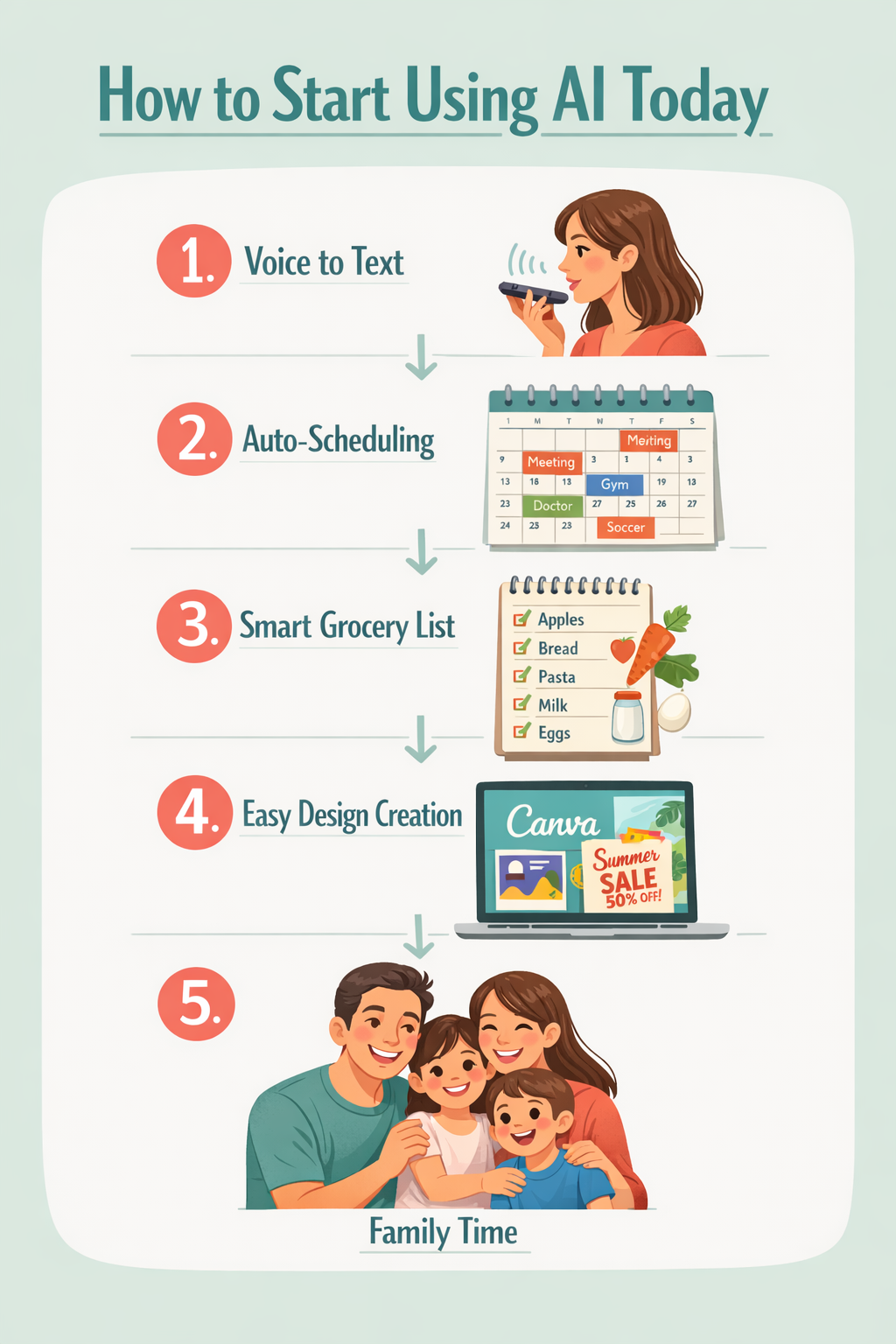
AI can handle the mental load of household management, which is often invisible but exhausting. Tools like Notion AI act as a digital command center where you can organize family schedules, meal plans, household tasks, and budget tracking in one place.
AnyList goes a step further for grocery shopping: it organizes your list by store aisle automatically, so you’re not backtracking through the store with a toddler in tow.
For scheduling specifically, Motion is the standout tool. It auto-schedules your tasks based on deadlines and priorities, and when your day changes (because it always does), it rearranges everything automatically.
Smart home voice assistants (Alexa, Google Assistant, Siri) add another layer: hands-free reminders, grocery list additions, and smart device control from a single app. These are especially useful when your hands are literally full.
Edge case: If your household runs on paper lists and you’ve never used a digital calendar, start with AnyList before jumping to Motion. The learning curve is gentler, and the payoff (organized shopping trips) is immediate.
Can AI Help Stay-at-Home Moms Earn Income?
Yes, and this is one of the most practical applications in How to Use AI as a Stay-at-Home Mom: Beginner’s Guide 2026. AI doesn’t just save time; it can help you build income skills faster than traditional self-study.
Here are three beginner-friendly income paths where AI gives you a real head start:
- Freelance writing: Use ChatGPT to outline articles, beat writer’s block, and edit drafts. You still write and add your voice; AI handles the structure.
- Canva design: Canva AI generates professional graphics in minutes, even with no design background. Moms managing blogs or social media accounts can offer this as a service.
- Pinterest management: AI tools help you write pin descriptions, schedule content, and research trending keywords faster than doing it manually.
None of these requires startup capital. Most require only a free tool account and a few hours per week to practice.
Learn to confidently use AI to buy back your time, multiply your leverage, and accelerate your success with a structured, beginner-friendly approach—without the overwhelm.
👉 Get started here
How Can AI Support Kids’ Learning at Home?
AI-powered education tools adapt to each child’s pace and learning style, which makes them genuinely useful for homeschooling or after-school support.
Khan Academy Kids and Socratic by Google both assess where a child is and adjust lessons based on their progress. This means your child gets personalized practice, not a one-size-fits-all worksheet.
ChatGPT can also help older kids work through homework questions by explaining concepts in simpler language. The key is to use it as a tutor, not an answer machine. Ask it to explain why an answer is correct, not just what the answer is.
Voicy’s speech-to-text accuracy (reported at 99%) also helps kids who struggle with typing to get their ideas down faster, which is useful for early writers.
What Are the Most Common Mistakes Beginners Make with AI?
Knowing what not to do saves you weeks of frustration. Here are the most common mistakes stay-at-home moms make when starting with AI:
- Trying too many tools at once. Pick one. Use it daily for a week before adding another.
- Expecting perfect output. AI gives you a strong draft, not a finished product. Always review and edit.
- Using vague prompts. “Help me with dinner” gets a generic response. “Give me 5 quick weeknight dinners for a family of four with picky eaters, using ingredients under $50” gets something actually useful.
- Paying before testing. Every tool on this list has a free version. Use it first. Upgrade only when you hit a real limitation.
- Treating AI as a search engine. It’s a conversation. If the first answer isn’t right, say so and ask to try again.
Zapier is worth mentioning here as a tool that prevents a specific mistake: manually moving information between apps. It connects your tools automatically (for example, saving email attachments to cloud storage without you touching it), which is exactly the kind of background automation that saves real time.
FAQ: How to Use AI as a Stay-at-Home Mom
Q: Do I need to pay for AI tools to get value?
No. ChatGPT, Perplexity, Canva, and AnyList all have free versions that are genuinely useful. Start free and upgrade only if you hit a daily limitation.
Q: Is AI safe to use around my kids?
Yes, for general use. Avoid sharing personal identifying information (full names, addresses, financial details) in any AI chat tool.
Q: How much time does it take to learn these tools?
Most moms see real-time savings within the first week of using ChatGPT daily. Motion and Notion have slightly steeper learning curves but pay off within two to three weeks.
Q: Can AI help me start a side business?
Yes. AI tools like ChatGPT and Canva AI can help you write content, design graphics, and research niches faster. They don’t replace the work, but they reduce the time each task takes significantly.
Q: What if I’m not tech-savvy at all?
Start with ChatGPT. It works like a text message conversation. If you can type a question, you can use it.
Q: Is Claude better than ChatGPT?
They serve different strengths. ChatGPT covers more ground for everyday tasks. Claude is more conversational and better suited for nuanced personal decisions. Try both free versions and see which feels more natural.
Q: Can I use AI on my phone?
Yes. ChatGPT, Claude, Canva, and most tools on this list have mobile apps. Voicy is specifically designed for mobile hands-free use.
Q: What’s the best AI tool for meal planning specifically?
ChatGPT for generating meal ideas and AnyList for organizing the resulting grocery list by aisle. Use them together for the best result.
Conclusion: Your Next Step Starts with One Tool
The most important thing this How to Use AI as a Stay-at-Home Mom: Beginner’s Guide 2026 can tell you is this: start small and start today. Download ChatGPT, ask it one real question from your actual day, and see what happens. That single step is where every confident AI user begins.
From there, add tools as your needs grow. Use Motion when your schedule feels unmanageable. Try Canva AI when you want to build a side income. Explore Perplexity when you need fast, sourced answers to parenting questions.
AI won’t replace your judgment or your role. But it will give you back time, reduce mental load, and open doors to income opportunities that didn’t exist five years ago.
Learn to confidently use AI to buy back your time, multiply your leverage, and accelerate your success with a structured, beginner-friendly approach—without the overwhelm.
👉 Get started here
References
[1] What Are The Best AI Tools For Busy Moms In 2026 – https://www.themomfund.com/blogs/aiformoms/what-are-the-best-ai-tools-for-busy-moms-in-2026
[2] 4 Essential AI Tools Every Struggling Working Mom Needs Now – https://catherineallenblog.com/4-essential-ai-tools-every-struggling-working-mom-needs-now/
[3] AI Tools For Parents Best Tech For Modern Parents In 2026 – https://newnativebaby.com/blogs/news/ai-tools-for-parents-best-tech-for-modern-parents-in-2026
[4] 10 Best AI Tools For New Moms To Boost Productivity In 2026 – https://usevoicy.com/blog/10-best-ai-tools-for-new-moms-to-boost-productivity-in-2026